









Skip Navigation or Skip to Content

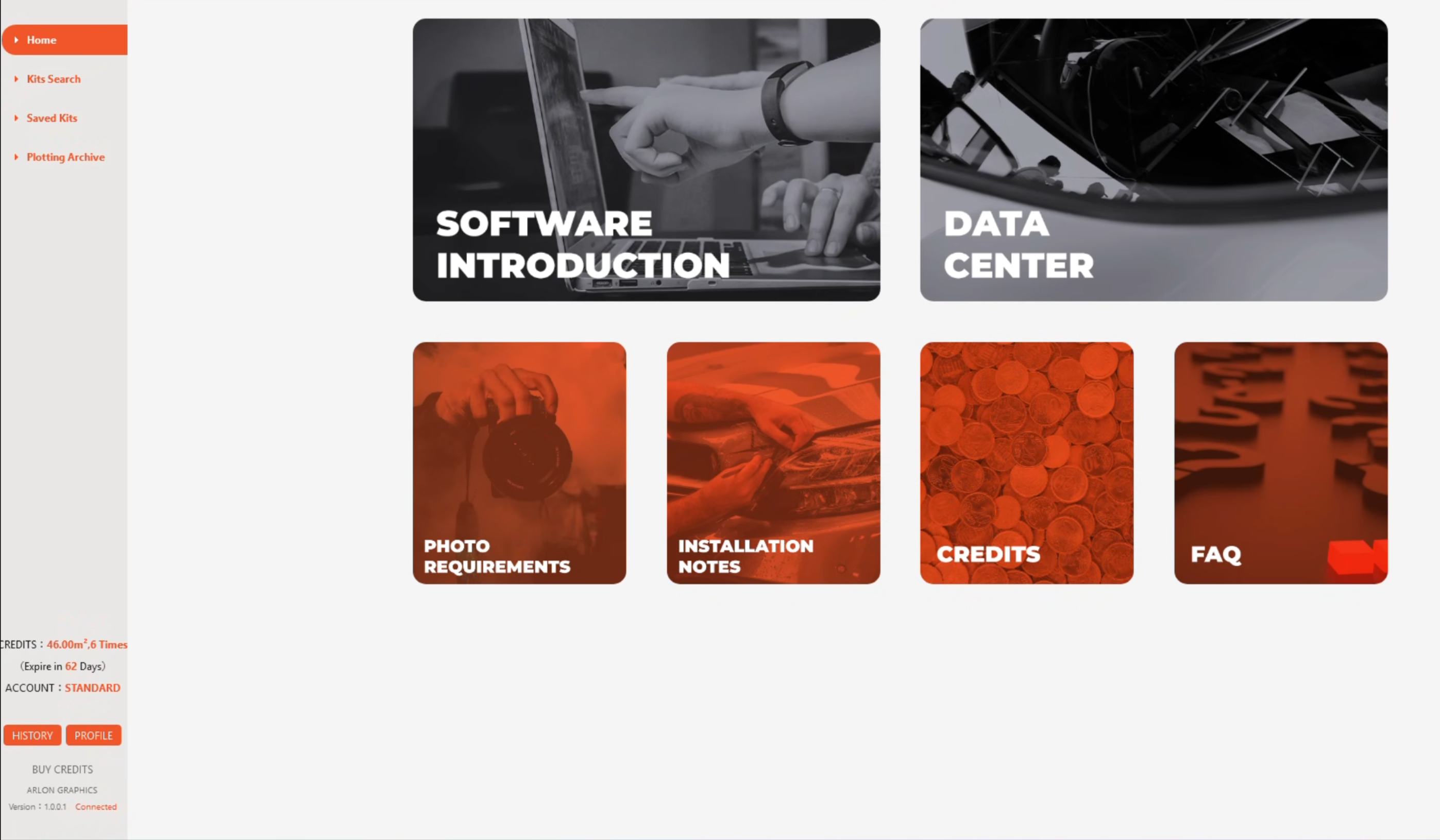
ArlonCutPilot pattern software streamlines your installation workflow with high-precision templates.

Powered by AI nesting, it optimizes layout to reduce material waste and deliver surgical-level precision - increasing your profit on every wrap.


Stop wasting PPF film and install faster than ever.

PATTERN SOFTWARE
  • 11Shields transp A database with 38500+ full vehicle patterns
  • 11Shields transp AI nesting to reduce material waste
  • 11Shields transp Intuitive, installer-focused interface

HOW TO DOWNLOAD AND INSTALL

Follow these 3 simple steps to start your first ArlonCutPilot-powered installation in minutes.
STEP 1

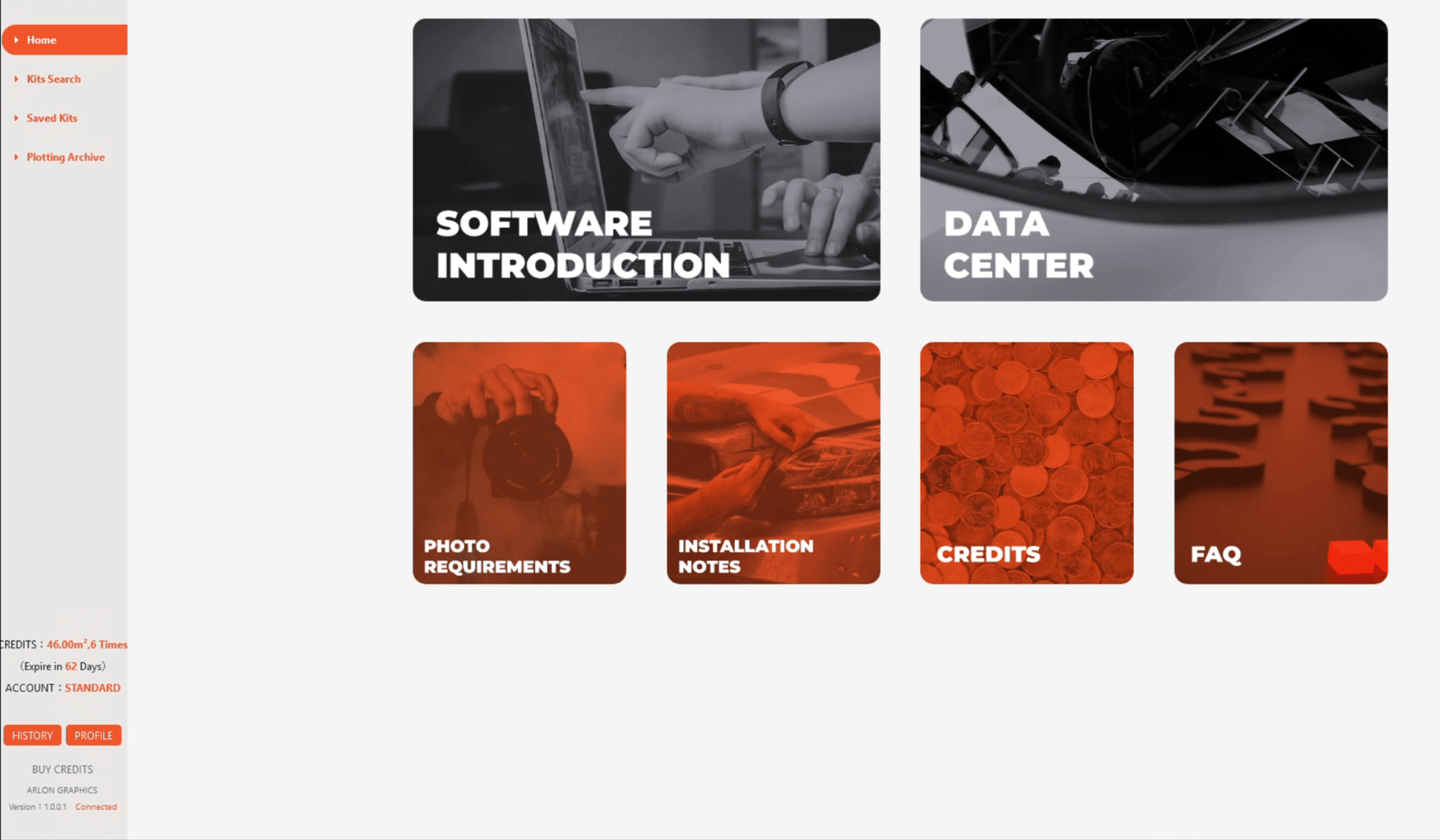
Click here to download the software and follow the setup guide.

System requirement: Windows 10 or newer.
 

STEP 2

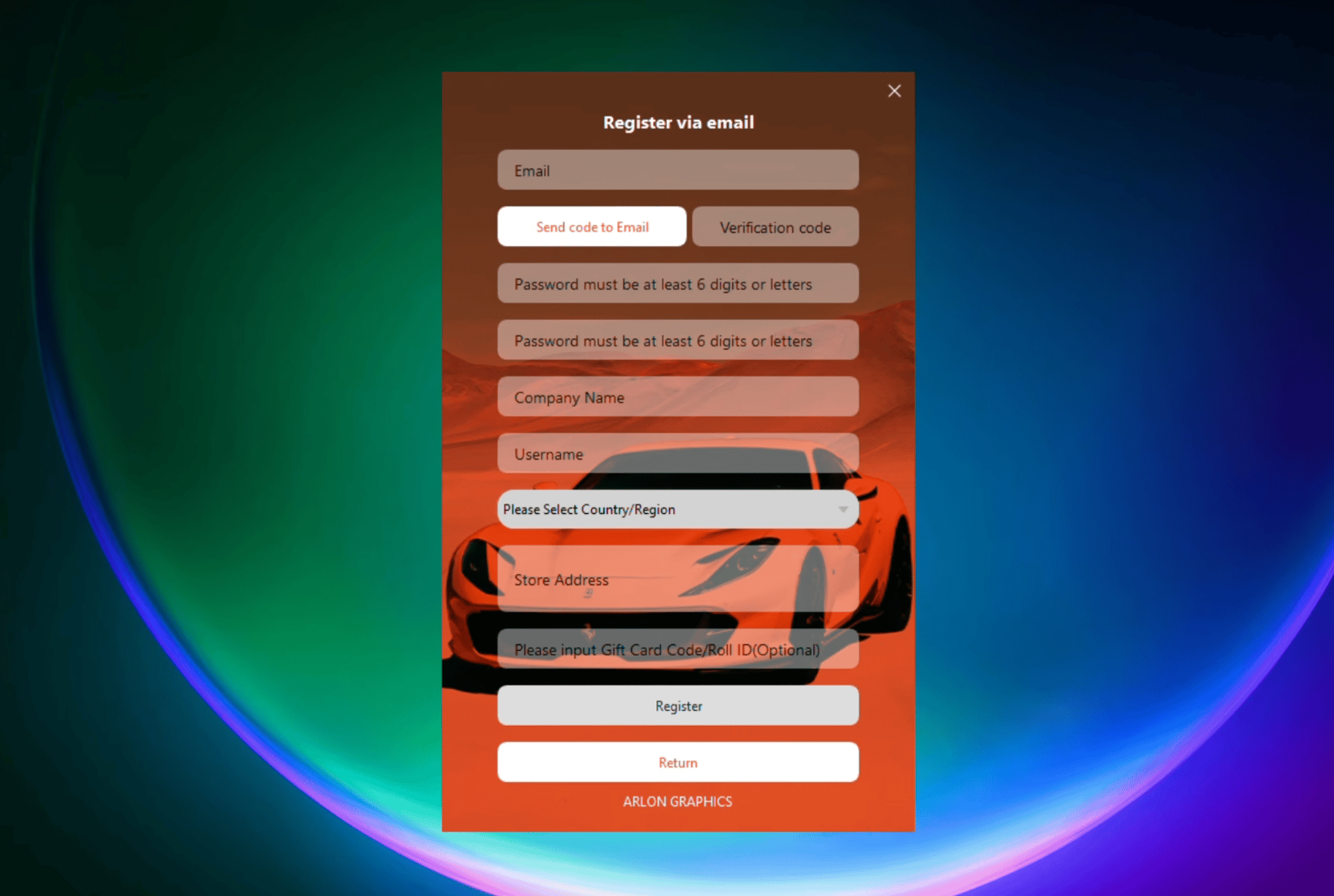
Launch ArlonCutPilot and create your account.


STEP 3

Redeem your cut credits using the unique code found on the roll tag inside the box.

You’re ready to start cutting!


HOW TO GET CREDITS

Each roll of Arlon Clear Protection Film contains a unique code that can be redeemed for complimentary cut credits.

The roll tag with the code is located inside the box.
To redeem it, click “Redeem Cut Credits” on the main dashboard of the software.

TUTORIAL VIDEOS

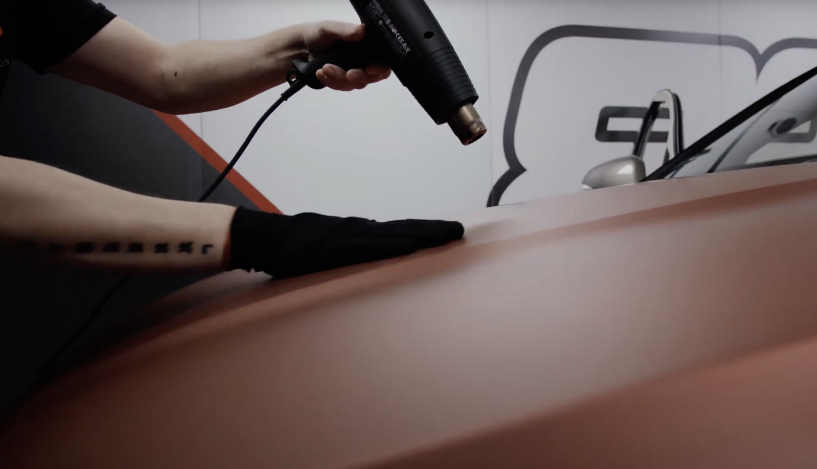
Get professional tips and tricks for applying Arlon PPF.
thmbnail
VIDEO 1 TITLE TEXT
thmbnail
VIDEO 2 HOW TO WORK WITH ARLONCUTPILOT
thmbnail
VIDEO 3 TITLE TEXT
thmbnail
VIDEO 4 TITLE TEXT
thmbnail
VIDEO 5 TITLE TEXT
thmbnail
VIDEO 6 TITLE TEXT

FAQ

I can’t find the vehicle pattern I need. What should I do?

Start by confirming the exact vehicle details, including:

  • Model year
  • Variant or facelift version
  • Regional naming differences

Some vehicles may have multiple kit variations. If the pattern is still not available, you can submit a request using the Request a New Kit option inside the software.

How accurate are precut patterns?
+

ArlonCutPilot patterns are based on real vehicle measurements and captured using high-precision 3D scanners with tolerances under 0,3 milimeters, ensuring consistent fit and reliable installation results.

However, even within the same model, vehicles may vary due to:

  • Aftermarket modifications
  • Badge repositioning
  • Trim level differences
  • Previous repairs

Always confirm fit before final installation and use professional judgement when additional trimming or edge allowance is required.

Do precut patterns eliminate the need for trimming on the vehicle?
+

Precut patterns are designed to reduce cutting on painted surfaces, improving installation safety and consistency.

Some minor trimming or adjustment may still be required depending on vehicle condition, installation technique, and environmental factors.

When should I avoid using precut patterns?
+

Manual trimming may be preferable on:

• Heavily modified vehicles and custom kits
• Deep recessed areas (e.g. badge zones or certain bumper openings)
• Panels with significant previous damage or repaint

Using installer judgement ensures the best final result.

The pattern seems slightly small or large. What should I do?
+

First confirm:

  • Correct vehicle year and variant
  • No aftermarket modifications
  • Proper film positioning during installation

If additional flexibility is needed, adding a small edge allowance before cutting can help accommodate alignment or stretch on curved panels.

If you believe a pattern may be inaccurate, please report it to our Customer Support. Your input helps us fine-tune pattern accuracy and ensures ArlonCutPilot continues to develop in line with real installer needs and experience.

How often are new vehicle patterns added?
+

The pattern database is updated on a regular basis as new vehicle models become available and installer requests are processed. Updates are delivered automatically within the software.

How long does a pattern request take?
+

There isn’t a fixed timeline for completing pattern requests, as our top priority is ensuring every pattern meets our quality standards. The timeframe can vary depending on factors such as vehicle availability and the clarity of the photos provided. That said, we always aim to complete requests as quickly as possible. Submitting full vehicle details and clear reference images can help speed up the process.

Can I adjust patterns before cutting?
+

Yes. Before sending patterns to the plotter, you can review layouts, reposition panels, and add small edge allowances where extra alignment flexibility or stretch may be needed.

Planning layout in advance helps reduce material waste and improve installation efficiency.

How can I reduce material waste when cutting?
+

To optimise film usage:

  • Review layouts before cutting
  • Use the AI nesting feature when available
  • Confirm film width and bleed positioning
  • Group panels efficiently for multiple jobs

Careful layout planning improves profitability and workflow efficiency.

Can I reposition the film during installation?
+

Yes. When wet installing, the film can be easily lifted and repositioned if necessary. Always re-wet the surface before adjusting to avoid unwanted adhesion or stretch marks.

The pattern is not cutting correctly. What should I check?
+

Confirm the following before starting a new cut:

  • Correct blade pressure and speed settings
  • Film width and positioning on the plotter
  • Proper pattern orientation
  • Plotter origin point and scaling settings

Running a small test cut is recommended when using new material or settings.

My plotter is not recognised by the software. What should I do?
+

Check that:

  • The plotter is powered on and properly connected
  • Correct drivers are installed
  • Communication settings match your plotter configuration

Restarting both the plotter and software may help resolve connection issues.
If the problem continues, contact our customer support with your plotter model information.

How are cut credits used?
+

Cut credits are deducted automatically when preparing patterns for cutting.
The required film area is calculated by the software based on selected panels.

How do I claim credits included with film rolls?
+

Credits can be claimed using the Roll ID printed inside the film packaging.
Once activated, credits are added to your account and can be used immediately. You can watch a short guide on how to claim your credits on our YouTube channel.

How long are cut credits valid?
+

Claimed credits remain valid for one year from the activation date.

Where can I get help with installation or software issues?
+

If you need assistance, please contact Arlon customer support or your local distributor.

ArlonCutPilot is designed as a working tool for installers, helping simplify pattern preparation, cutting, and installation planning. Our team actively supports installers in the field, and your feedback plays an important role in improving pattern accuracy and evolving the software to meet real installation needs.